

nextAction to the browser. Your browser passes that to
AtoaUI.mount() and gets a callback when the customer is done.
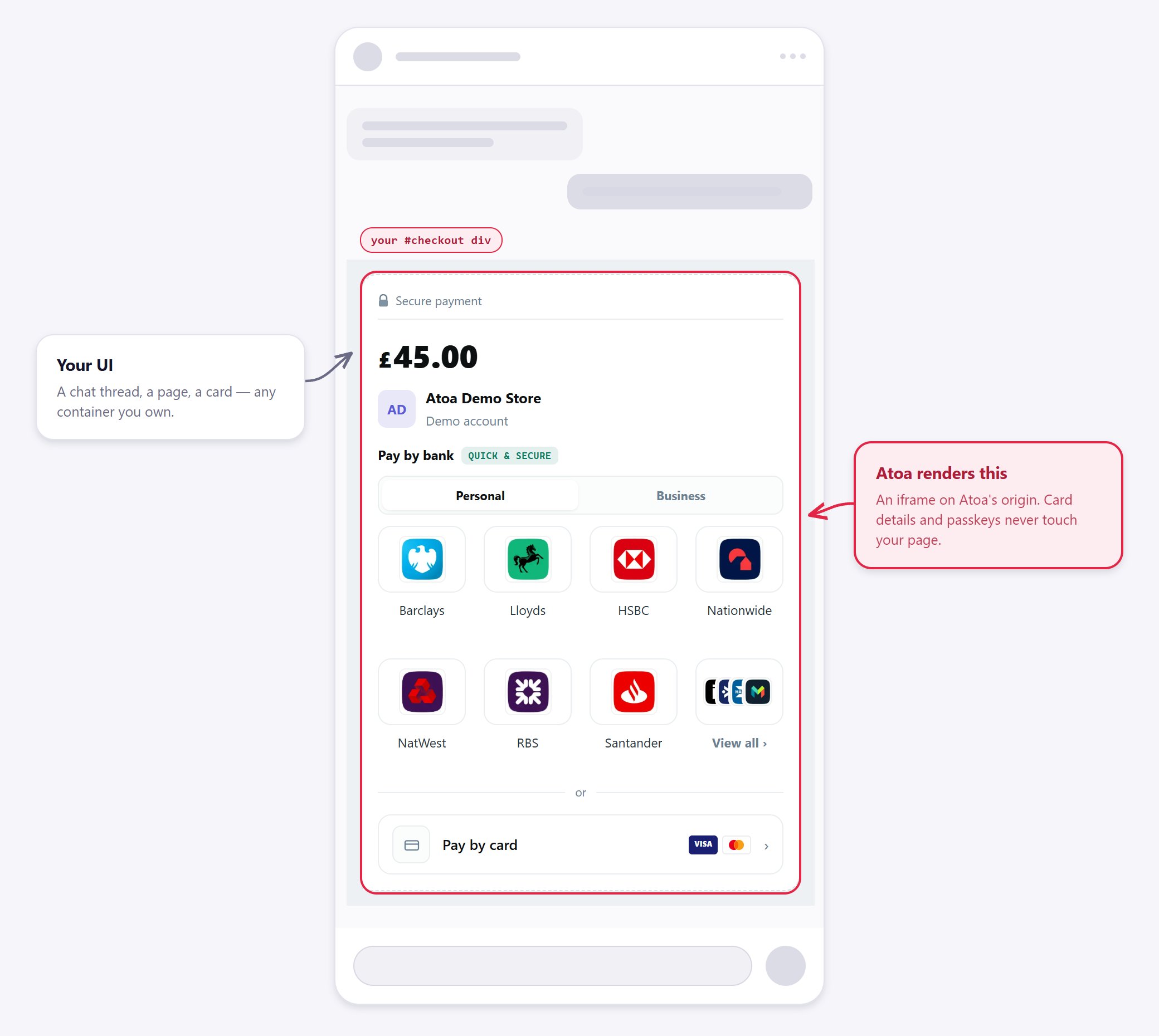
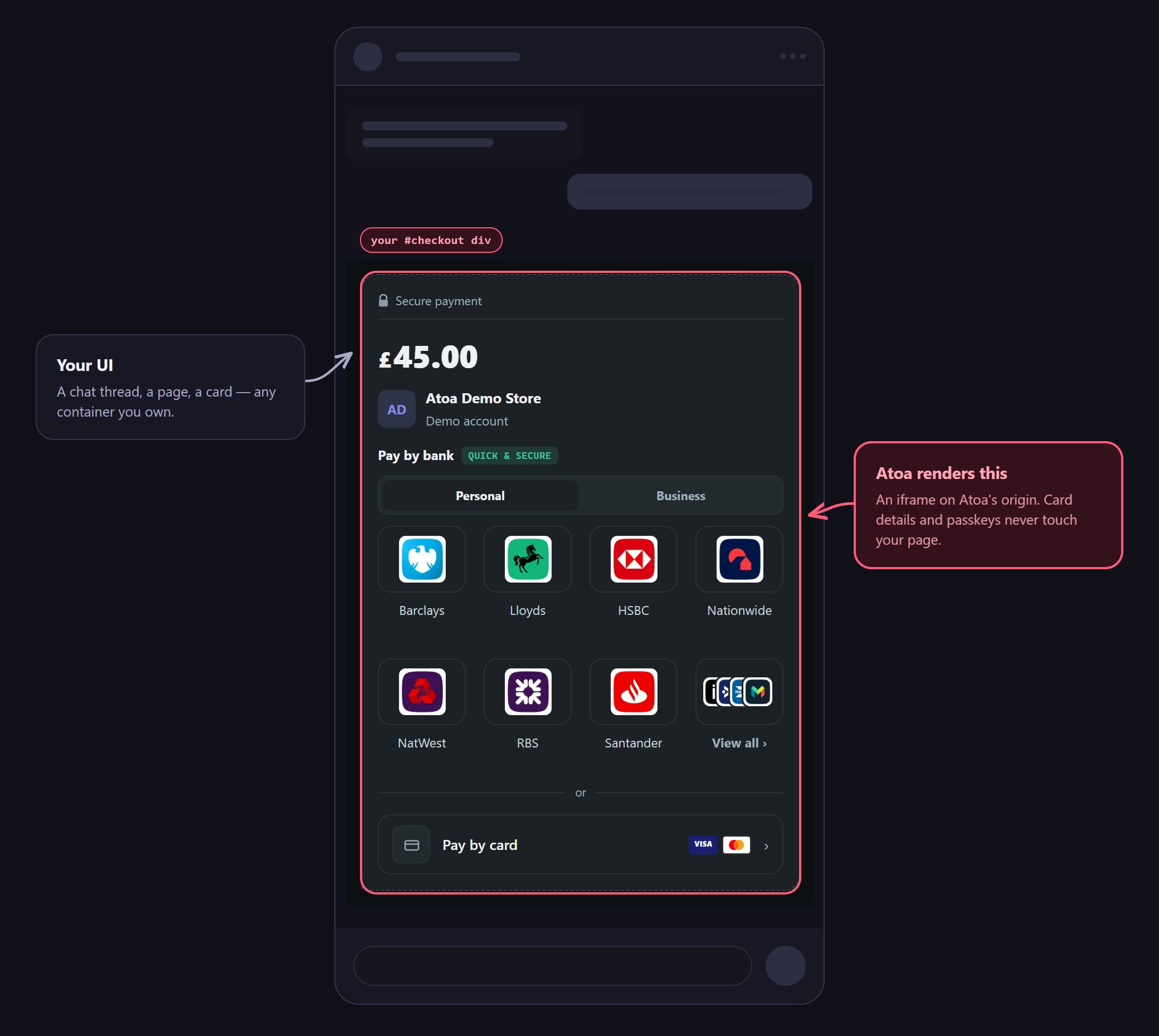
Your thread, your container — the checkout is the only part Atoa draws.
Install
Create a payment
The API key creates payments, so it stays on your server and never reaches the browser. The embed needs a backend. If you don’t have one, send the customer a pay-link instead. Your server creates the payment and returns itsnextAction:
Approval secrets travel in the URL fragment. Don’t copy them into query strings, logs, or your own code.
Mount the checkout
Fetch it and mount it. Set your container’s width — the iframe sets its own height.mount() returns a handle for unmounting and refreshing the surface. Destroy it when your
component unmounts, or the iframe outlives the view that owned it.
There is no method to create a payment from the browser, so re-rendering or reloading always shows the same
payment rather than creating a second one.
Payment surfaces
mount() reads nextAction.type and shows the right screen — you don’t branch on it.
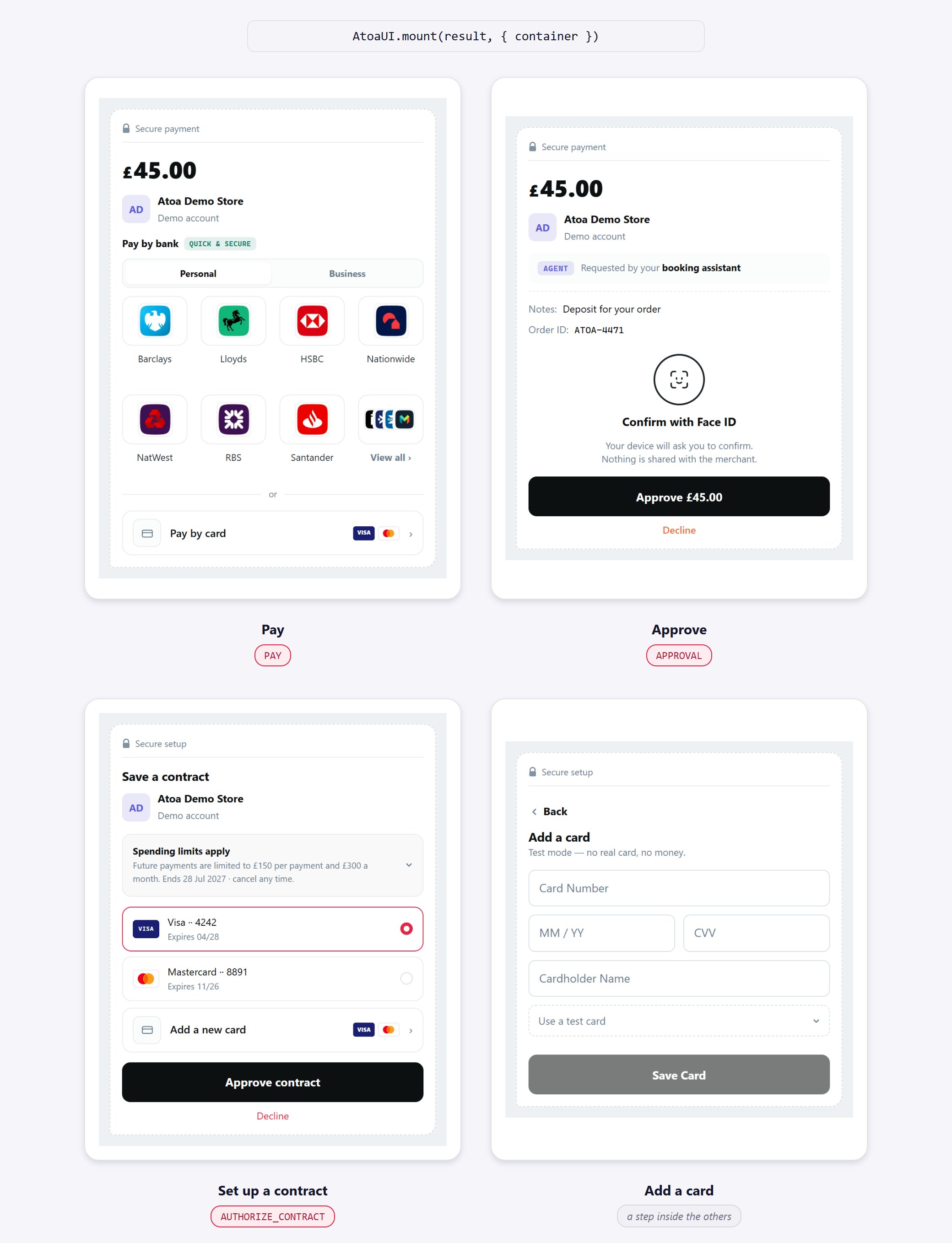
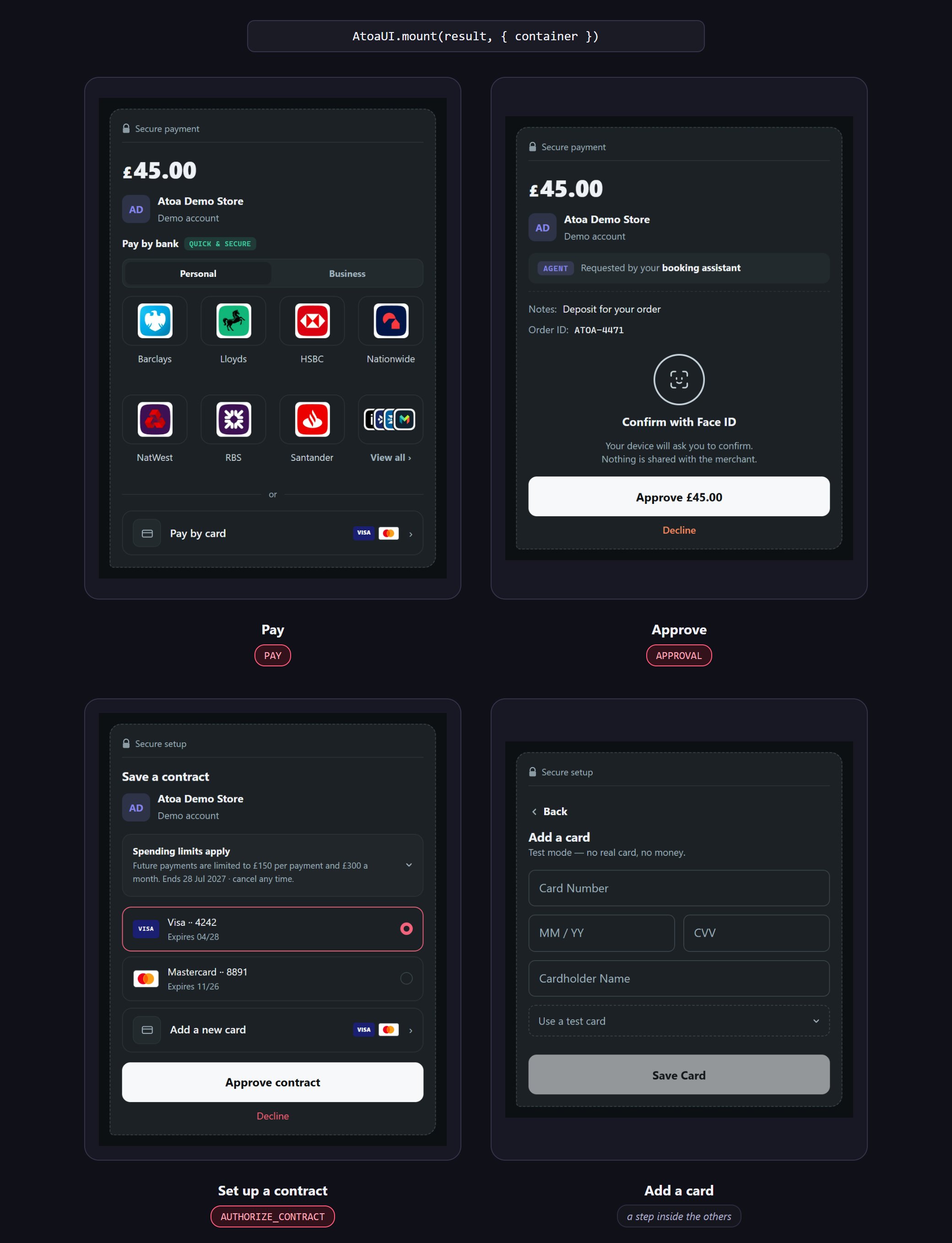
The same mount call, four of the screens it can produce.
Those four are the whole set an Agent Pay call returns. Picking a card, entering card details and enrolling a
passkey are steps inside those screens, on Atoa’s origin — they don’t come back to you as actions to render.
The last row is the forward-compatibility rule: a type this version doesn’t know renders the action’s
fallback, so Atoa can add one without breaking your build. See
the nextAction reference.
Handle events
Domain events tell you what happened to the money. Every one arrives in the same envelope:payment.*, a contract
surface contract.*, an approval surface approval.*. The subject’s id is always on the envelope as
resourceId — read it there rather than out of data.
data is a passthrough of what the frame reported, so a settled payment carries its id, status and timestamp,
while a failure carries only the reason. resourceId is populated on every event except an approval’s, where
the mount holds the client secret and never the id.
Events with no named callback
These are emitted today and reachonEvent only — there is no on… option for them. If any matter to you,
handle them there:
contract.expired · contract.revoked · contract.suspended · contract.ended · contract.invalid ·
contract.failed · approval.superseded · approval.cancelled
type is an open string, so onEvent is also where types added after your installed version arrive. Treat
data as additive — read the keys you know, ignore the rest.
On an approval surface resourceId is null: the mount holds the client secret, never the approval’s id.
UI callbacks [#ui-callbacks]
Separate from the events above, and these can fire many times. They describe the frame, never the money, so never branch on them to decide an order is paid.Options and theming
AtoaUI.mount(nextAction, options) → Handle.


One mount call, whatever container you give it.
Theming
"auto".
Colours, fonts, corner radius and density are deliberately not settable. A checkout a host can
restyle is a checkout a host can make look like something it is not, and the trust the frame carries
is what you are embedding. Brand treatment, when it ships, will be issued to your business from
Atoa’s side — not accepted from the page.
The handle
Errors
mount() throws straight away — before any iframe exists — if container isn’t an HTMLElement, or if
environment isn’t 'sandbox' or 'production'.
Everything after that reaches onError as an ApiFailure:
An
onError doesn’t end the surface — the frame may recover. Call destroy() yourself if you want to stop.
If the container stays blank, check the console. AtoaUI.mount: the embed frame at <origin> never connected within <n>ms means the iframe loaded but never answered — usually a frame-src content-security policy on your
own page, or a network path that can’t reach Atoa. If nothing is logged at all, container probably resolved to
null.
Test in sandbox
Create the payment with a sandbox API key and passenvironment: 'sandbox'. Choose Atoa Test Bank in the
checkout and pick the outcome you want. No money moves — see Sandbox.
To go live, switch to a production API key and pass environment: 'production'. Nothing else changes.
Next
Approvals SDK
Show just the human sign-off step, without the whole checkout.
The nextAction contract
What
mount() reads — for anyone rendering their own UI.